
In brief: The best cash register for your business depends on your individual requirements. First decide whether you need a traditional cash register system or a modern POS solution. TSE compliance is mandatory for all cash register systems. Important criteria include the number of cash drawer compartments, the type of keyboard and integration with your inventory management system. Our test will help you make the right choice.
Choosing the right cash register is an important decision for every business. It affects your daily work, the security of your financial data and legal compliance. In 2026, the requirements for cash register systems are clearly defined. Our cash register comparison helps you find the ideal solution for your business.
Our test and comparison focuses on practical criteria. We look at the hardware, legal requirements and integration into your workflows. This helps you find a cash register that not only meets the relevant standards but also optimises your work processes.
Contents
Which cash register do I need?
Start by asking yourself a few basic questions. How many customers do you serve each day? Do you work with a wide range of products or a limited selection? Do you need integration with an inventory management or stock control system?
For small cafés, snack bars or service providers with only a few items, a simple, robust cash register is often sufficient. Retailers with a large number of products benefit from PC-based POS systems. These systems manage your inventory and generate detailed reports.
Tip: Plan for the long term. Take possible business growth into account. A cash register that is sufficient today may reach its limits in two years. It is better to invest in a slightly more powerful model.
Traditional, PC-based or mobile?
Traditional cash registers are standalone devices. They are highly reliable and easy to operate. Everything is integrated into one housing: the processing unit, display, printer and cash drawer.
PC-based cash register systems (Point of Sale, POS) use a separate computer. The software is more flexible and can be expanded. They are ideal for networking with other devices in the home office equipment area.
Mobile cash register systems run on tablets or smartphones. They are perfect for restaurant staff, trade shows or field service. The data is synchronised in real time with the main cash register.
Buying criteria compared
Compare the models based on specific features. These determine how convenient they are and whether they are suitable for your needs.
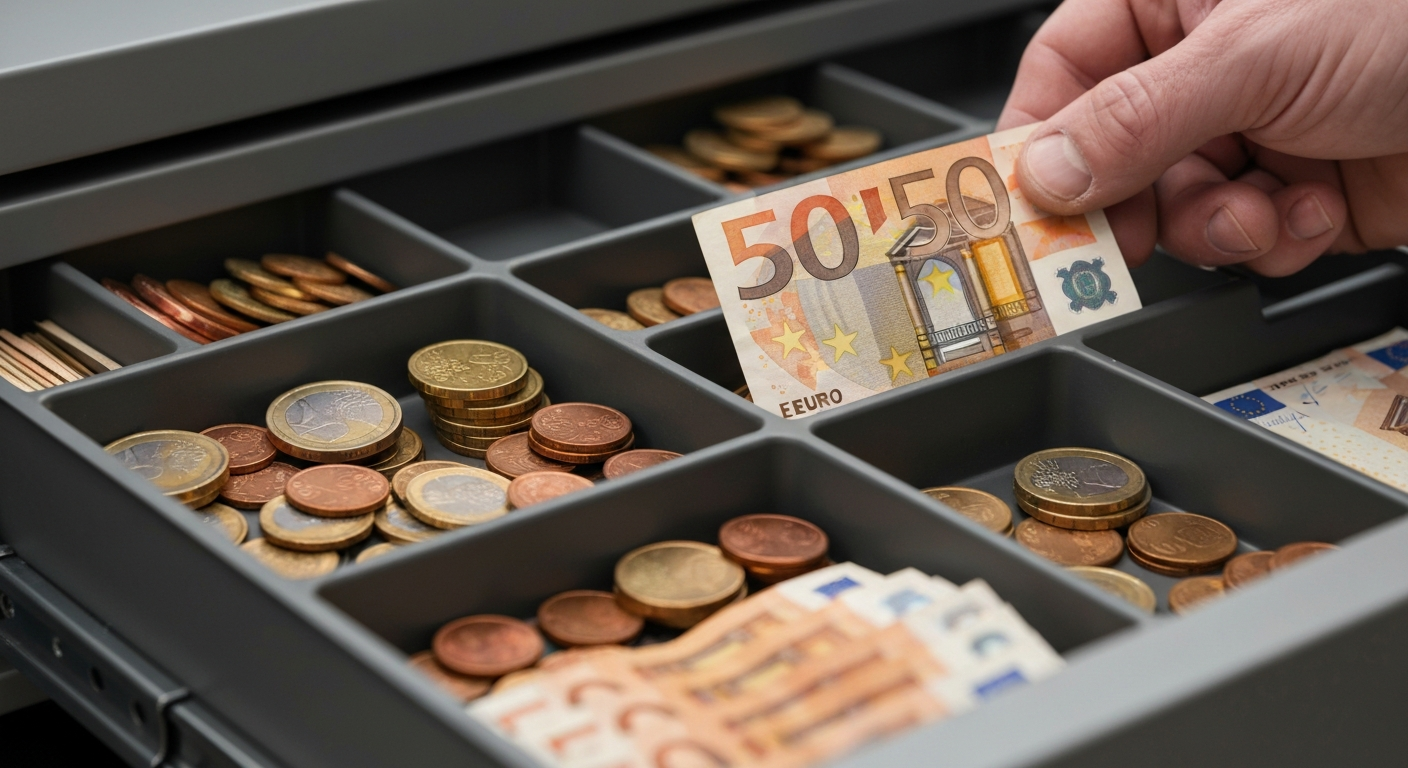
- Cash drawer layout: The most common options are 3+8 and 4+8 compartments. More compartments provide better organisation.
- Keyboard: Choose between a flat keyboard and a raised-key keyboard. The latter provides a traditional typing feel.
- Display: Consider the size, readability and whether a customer display is included.
- Printer: Thermal printers are quiet and fast. They require special thermal paper.
- Connections: Check for USB, Ethernet or serial interfaces for scanners, card readers or PCs.
Cash drawer and security
The cash drawer is the centrepiece. It must be lockable securely. A double bottom for large notes or vouchers is practical. The compartments should be clearly labelled and easy to access.
Physical security is just as important as digital security. A sturdy lock and a heavy housing protect against simple theft. Digital security is provided by the legally required TSE.
Understanding TSE compliance
The Technical Security Device (TSE) is not optional equipment. It is mandatory. Every new cash register must have a certified TSE. It stores every receipt with a digital signature in a tamper-proof format.
Important: The TSE has a limited service life, usually between 3 and 10 years. When buying, check how long the TSE licence is included for. Once it expires, you must renew or replace the TSE.
The TSE functions as a digital cash register journal. During a tax audit, you can easily export the stored data. This eliminates the need to keep a manual cash book. It saves time and reduces errors.
TSE licences and updates
Many manufacturers offer cash registers with a pre-installed TSE and a multi-year licence.
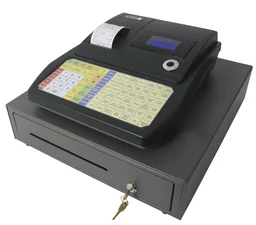
and are examples supplied with an integrated TSE and a 3-year licence. This gives you greater planning certainty.
Once the licence expires, you must purchase an update. Factor these ongoing costs into your budget. Some providers also offer cloud-based TSE solutions for which you pay a monthly fee.
Models tested in practice
We took a close look at various types of cash registers. Our focus was on reliability, ease of use and legally compliant features.
The highest-rated cash registers in our range compared directly:
| Model | Customer rating | Availability |
|---|---|---|
| Banknote checker and counter with UV + MG | – | Currently unavailable |
| Cash register with 3 + 8 compartments, flat keyboard and 3-year TSE license | – | Currently unavailable |
| Cash register with 3 + 8 compartments, raised-key keyboard and 3-year TSE license | – | Currently unavailable |
| Cash register with 4 + 8 compartments, flat keyboard and 3-year TSE license | – | Currently unavailable |
| Cash register with 4 + 8 compartments, raised-key keyboard and 3-year TSE license | – | Currently unavailable |
Cash registers with flat keyboards
Models with a flat keyboard like the look slim and modern. They operate quietly. The keys respond sensitively to touch. For users who type frequently and quickly, the lack of tactile feedback may take some getting used to.
The offers more organization with its 4+8-compartment cash drawer, making it suitable for businesses that handle large amounts of small change. The flat keyboard is easier to clean because less dust collects in the gaps.
Note: Test the keyboard before buying, if possible. The subjective feel when typing is crucial to acceptance in everyday use.
Cash registers with raised-key keyboards
The raised-key keyboard is a classic. Models like
and offer the familiar typing feel with an audible click. This can be an advantage in noisy environments. The mechanical keys are very durable.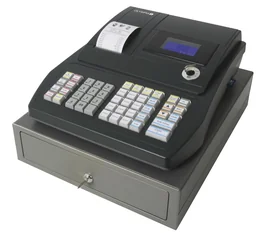
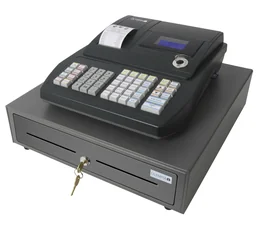
The combines a robust raised-key keyboard with a large 4+8-compartment cash drawer. This combination is ideal for intensive use in bakeries, kiosks or butcher shops, where fast and reliable input is essential.
Specialized equipment and accessories
In addition to full-featured cash registers, there are specialized devices. A printing desktop calculator such as the
is suitable as a secondary device at reception or as a simple solution for freelancers. Banknote checkers and counters are a useful addition for secure cash management.
Remember to get essential accessories such as receipt printer rolls, replacement paper or special cash register cloths for cleaning. You can find everything related to technology for your office in our range.
Setup and operation
Commissioning a new cash register should be carefully planned. Take your time setting it up. Configure product groups, employee keys and payment methods. Many manufacturers offer preconfigured solutions for specific industries.
Train your employees thoroughly in how to operate the register. A simple, logical workflow minimizes input errors. Create clear instructions for common processes such as voids or end-of-day closing.
Maintenance and data backup
Clean the cash register regularly. Remove crumbs from the keyboard and paper dust from the printer mechanism. Use only cleaning products recommended by the manufacturer.
Data security is ensured by the TSE. Nevertheless, you should regularly check that the TSE is working correctly and that sufficient storage space is available. Carry out the legally required basic checks.
Conclusion and recommendation
The ideal cash register for 2026 reliably meets legal requirements and fits your workflows perfectly. Choose a model with a long-term TSE license to stay protected over the long term.
For intensive everyday use, robust models with raised-key keyboards like the are an excellent choice. They impress with their durability and clear operating feedback. For a modern setting and quiet operation, flat-keyboard models like the are ideal.
Ultimately, your own experience is the best test. Take your employees' requirements into account. A register that is intuitive to use improves efficiency and team satisfaction. With our buying guide, you are sure to find the right model for your success.
Frequently Asked Questions
- What is a TSE, and do I need one?
- The Technical Security Device (TSE) is an encrypted memory chip that records all cash register transactions in a tamper-proof format. Since 2020, it has been legally required for most cash register systems in Germany. You need a TSE if you are introducing a new cash register system or modernising an existing one. Make sure you choose a certified TSE with a sufficient service life.
- What types of cash registers are available?
- There are traditional cash registers with an integrated till and printer, PC-based point-of-sale (POS) systems and mobile tablet solutions. Traditional cash registers are robust and easy to use. POS systems offer more functions, such as inventory management. Mobile cash registers are suitable for service staff. The right choice depends on your business model and the number of products you sell.
- How many compartments should a cash drawer have?
- The number of compartments you need depends on the amount of cash you handle. A layout with 3+8 compartments (3 for coins and 8 for notes) is sufficient for many small businesses. If you handle a large amount of cash, 4+8 compartments are better. They keep everything organised and make cashing up easier. Also check that the compartments are arranged to suit your currency.
- What is the difference between a flat and raised keyboard?
- A flat keyboard has thin, sensitive keys. It is quieter and has a more modern design. A raised keyboard has elevated mechanical keys with a noticeable pressure point. It is more robust and provides tactile feedback, which is useful when typing quickly. The choice comes down to personal preference. Try both types if possible.
- Can I continue using my old cash register?
- That depends on whether it complies with the Cash Register Security Ordinance (KassenSichV). Old cash registers without a TSE must be upgraded or replaced. Check whether the manufacturer offers a TSE upgrade. In many cases, buying a new certified cash register is more economical and safer. Be aware of the statutory transition periods.