
In brief: Yes, you can use your smartphone to measure distances. Measurement apps use your phone’s camera and sensors to calculate lengths, areas and volumes. Accuracy depends on the app, your device and the lighting. These apps are handy for rough plans and quick checks. For precise construction work, we recommend using traditional tools or a professional laser distance measurer.
Distance Measuring App: Measure with Your Phone
Your smartphone is packed with sensors. Why not use it as a smart tape measure? Measurement apps turn your camera into a digital tool for measuring lengths, areas and volumes. Here’s how to use this technology for projects in the garden, around the home and outdoors.
How Do Distance Measuring Apps Work?
These apps use augmented reality (AR). They display the camera image and let you place virtual points on real surfaces. The app then calculates the distance between those points. More advanced apps also use your phone’s motion sensor and gyroscope.
You’ll often calibrate the app by moving your device briefly. This helps the software map the space. Some apps ask you to use a reference object, such as a credit card or sheet of paper, to set a scale.
The technology is clever, but it isn’t perfect. Results are estimates based on camera data, rather than physical measurements like those you get with a laser.
"AR measurement apps are a brilliant example of applied sensor technology. They make complex mathematics invisible to the user and provide immediate visual feedback. This is ideal during the conceptual phase of a project."
Which Measurement App Is Right for Me?
There are plenty of options. Free basic apps such as 'Measure' (iOS) or 'Google Measure' (Android) are fine for simple distances, though they often don’t include a save function.
For more demanding projects, a pro app may be worth it. 'Moasure' records complex paths. 'AR Plan 3D' measures spaces and creates floor plans. 'CamToPlan' offers high accuracy and export features.
Pro tip
Download two or three different apps and test each one on an object with a known length, such as a 2-meter board. Compare the results and see how easy each app is to use. This will help you find the right one for your device and needs.
Check compatibility before you download. Not every smartphone fully supports ARCore (Android) or ARKit (iOS). Older models may give inaccurate readings or crash.
What Are the Limitations of Smartphone Measurements?
Accuracy is the biggest limitation. Under ideal conditions, good apps can have an error margin of 1-2%. Over 5 meters, that means a difference of 5-10 cm. Poor lighting, shiny surfaces and patterned surfaces can make measurements less accurate.
The app can only measure what the camera can see. Long, straight distances are easy to measure, but corners and obstacles make things more complicated. You may need to split the measurement into sections.
Important note
Don’t rely on app measurements alone for critical work. Cutting expensive panels, fitting furniture or installing plumbing and brass threaded fittings requires millimeter precision. Traditional hand tools are indispensable for this kind of work.
For rough patio planning, estimating how much paint you’ll need for a wall or measuring a patch of lawn, however, these apps are ideal.
Practical Applications in the Garden and Outdoors
Planning a new raised bed? Use the app to quickly measure the available space. Its area calculation can tell you how much soil or weed control fabric you’ll need.
Before buying a garden pavilion or awning, measure the available space. This can help you avoid unpleasant surprises during assembly. You can also use the app to mark out planting rows or plan a path.
For irrigation, use the app to estimate pipe lengths. For precise connections, such as brass PE pipe compression fittings, remember to use a tape measure.
"Landscaping often comes down to proportions and areas. An app’s quick visualization helps develop a sense of space. Where should the tree go? How will the shape of the bed look? Here, the digital tape measure is a creative partner."
At Home: From Renovation to Furnishing
Thinking of buying new furniture? Don’t measure the alcove for a cabinet in just one place. Use the app to check the room’s diagonal and see whether the furniture will fit around the corner.
When renovating, record the room dimensions. Save them in the app or take a screenshot. You’ll have all the measurements you need when buying wallpaper, flooring or ceiling panels.
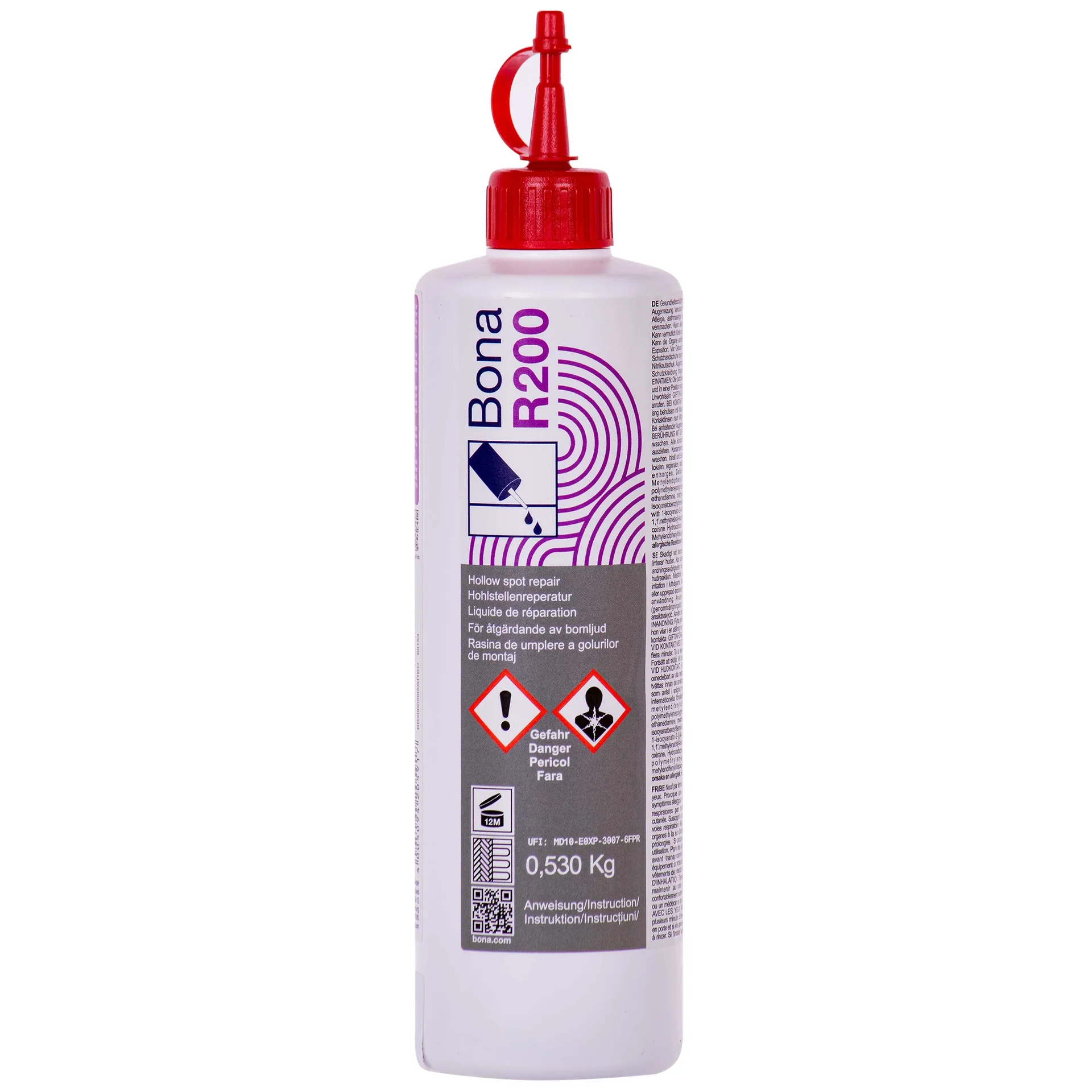
For repairs, such as filling a crack, use the app to estimate how much material you’ll need. Products such as
(Aqua Dicht) or (BONA filler) are available in the right quantity.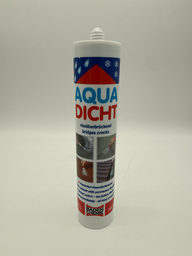
Additional advice
For the best results, combine the app with traditional tools. Measure a long wall with the laser distance measurer
for precision. At the same time, use the app to visualize and save the area you plan to paint. This pairs technology with reliable craftsmanship.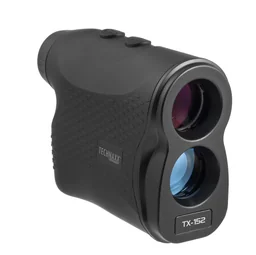
For DIY projects, browse our construction tools category to find the right tools for your project.
When is a professional laser distance meter better?
The answer is simple: whenever maximum precision matters. A device like the
measures accurately to the millimeter over distances of 50 meters or more. It works independently of lighting conditions.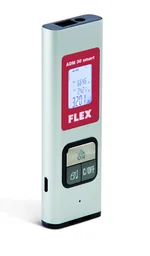
You can work more efficiently with just the press of a button. Measurements are saved, and areas and volumes are calculated automatically. This saves time and reduces errors when transferring measurements.
A laser distance meter is a valuable investment for installing shelves, laying tile or fitting a kitchen. It belongs in the basic toolkit for demanding DIY projects.
To organize your tools and materials on the job site or in the garden, we recommend practical workshop carts and material stands.
Conclusion: Your smartphone as a clever helper
Distance measuring apps are versatile digital tools. They don’t replace a tape measure or laser distance meter, but they complement them perfectly. Use apps for quick checks, creative planning and rough estimates of material needs.
For precise results, rely on proven measuring tools. Our range includes everything from practical
waterproofing products to professional laser distance meters for your next project. Combine modern technology with craftsmanship for perfect results in your home and garden.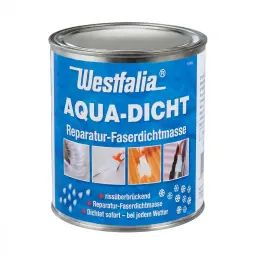
Frequently asked questions
- How accurate are smartphone measuring apps?
- Accuracy varies considerably. Simple apps that only use the camera are often off by several centimeters. High-quality apps with AR technology (augmented reality) can be accurate to within a few centimeters. Accuracy depends on your device’s camera resolution, sensors and lighting. This usually isn’t precise enough for construction or installation work.
- What is the best free measuring app?
- Apple’s Measure app (for iOS) and Google Measure (for Android) are reliable free options for basic measurements. They use ARCore or ARKit. For more features, such as calculating areas or saving measurements, Moasure is a good option, although it offers in-app purchases. Try a few apps in your space, since performance varies by device and lighting.
- Can I calculate areas and volumes with a measuring app?
- Yes, many measuring apps offer these features. They measure the length and width of an area and automatically calculate its square footage. To calculate volume, you also need the third dimension (height). These features are useful for quickly estimating how much paint, carpet or paving stone you’ll need for a project.
- Do measuring apps work outdoors in sunlight?
- Direct sunlight can make it difficult for AR-based measuring apps to work. The camera may struggle to detect contrast and place AR points correctly. Try measuring in the shade or on an overcast day. For reliable outdoor measurements, traditional tools such as a tape measure or optical distance meter are often a better choice.
- Do I still need traditional tools for precise work?
- Absolutely. A measuring app can’t replace a precision hand tool. It’s useful for laying out a garden bed or rough planning for a patio. When laying tile, installing shelves or fitting brass connectors, a metal tape measure, level and laser distance meter are essential for millimeter-accurate results.
You may also be interested in
- Laser distance meters: Tips for choosing the right one
- How to use a laser measuring tool: A practical guide
- How to use a paint thickness gauge correctly
- Measuring tools: Types and tips for choosing the right one
- Your home floor plan: A practical planning tool for your garden, home and outdoor spaces
- Safe distances from a fireplace: How to protect your home and garden