
In brief: In 2026, laminators offer more features and convenience than ever before. The best models combine easy operation with reliable performance. For occasional use, compact A4 laminators are sufficient. For frequent use or larger formats, powerful A3 or A2 models are worthwhile. Sets including accessories such as corner rounders and rulers are particularly practical.
Protecting documents, photos or ID cards from wear and tear is important in many areas. A laminator offers the perfect solution for this. In 2026, these appliances have continued to evolve. They have become easier to use and more versatile. Our test and comparison shows you which models really stand out.
We introduce the best laminators and provide specific buying recommendations. Whether for occasional home use or intensive office use, you will learn what to look for and how to avoid mistakes. This will help you find the right appliance for your requirements.
Contents
- What is a laminator and what is it used for?
- What types of laminators are available?
- Buying guide: What should you look for when buying a laminator?
- Laminator test & comparison 2026: The best models
- How to laminate correctly: Step-by-step guide
- Care and maintenance: How to keep your laminator in good condition
- Conclusion: Which laminator is right for you?
What is a laminator and what is it used for?
A laminator covers documents with a thin plastic pouch. The pouch permanently bonds to the paper through heat and pressure. The result is a robust document that is resistant to water and dirt.
There are many possible applications. In the office, you can protect important papers, signs or name badges. At home, you can laminate children's drawings, recipes or personal keepsakes. Laminators are also very popular for use at school and nursery.
One particularly practical benefit is that laminated documents are easy to clean. They retain their colour and do not tear. This significantly extends their lifespan. In our laminators category, you will find a wide selection of models.
Advantages of laminating at a glance
Laminating offers several clear benefits:
- Long-lasting protection: Against water, dirt, grease and mechanical wear.
- Colour stability: Prevents documents from fading.
- Durability: Makes paper stiffer and more tear-resistant.
- Easy cleaning: Surfaces can be wiped clean with a damp cloth.
What types of laminators are available?
There are two basic technologies: hot laminating and cold laminating. Most appliances for home and office use are hot laminators.
Hot laminators
These appliances heat the pouch to a specific temperature. The adhesive on the pouch melts and bonds to the document. Hot laminating is the most common method. It is fast and delivers very stable results.
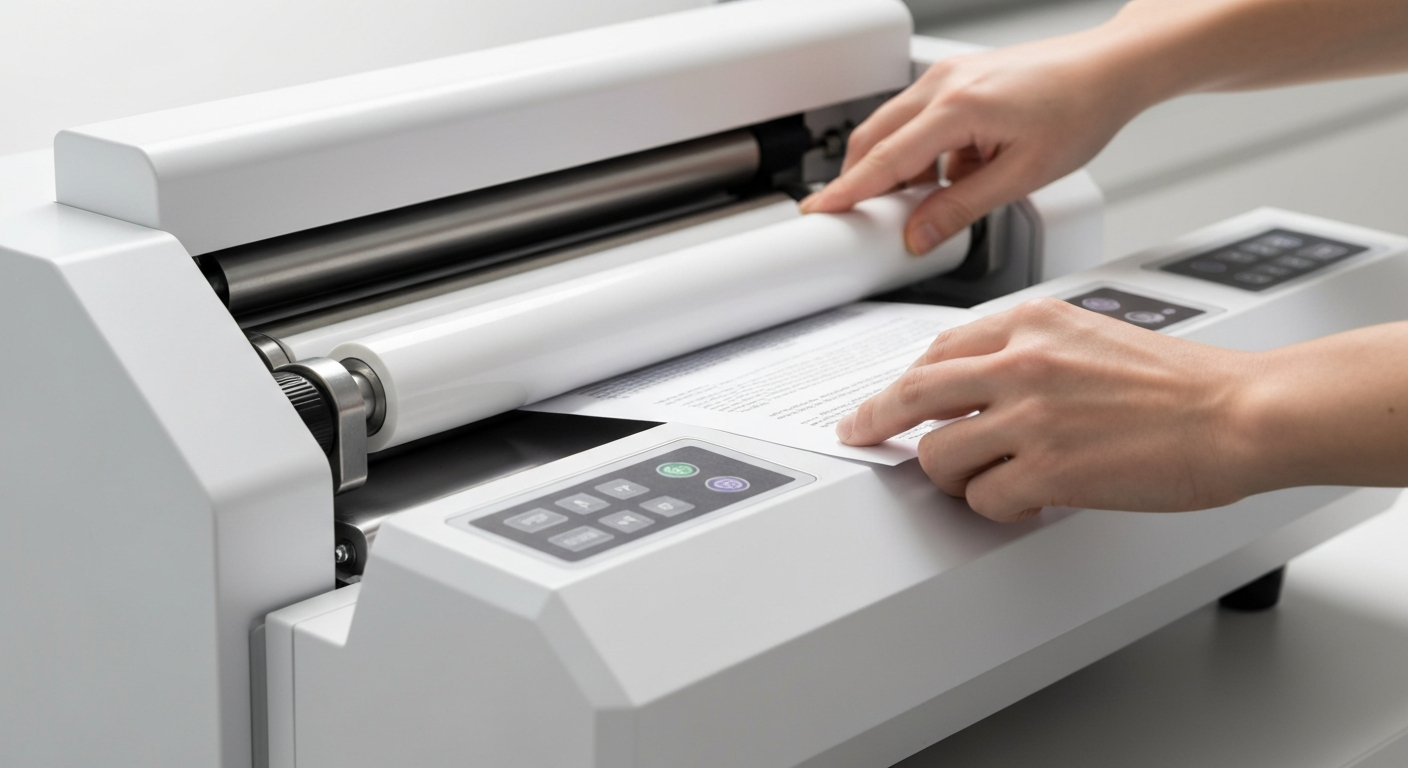
Most hot laminators use pre-cut laminating pouches. You place the document inside the pouch and then feed it into the appliance. The integrated rollers pull the pouch through and seal the film.
Cold laminators
Cold laminators do not require heat. They apply strong pressure to self-adhesive pouches. This technology is suitable for heat-sensitive materials, including certain photo papers or documents printed with special inks.
For general use, however, hot laminators are the better choice. They are more affordable and the pouches are widely available. A look at the Technology section reveals more useful appliances for your home.
Buying guide: What should you look for when buying a laminator?
Before choosing a model, consider your needs. We have compiled the most important buying criteria for you.
Maximum laminating format
This is the key criterion. Which documents do you mainly want to laminate? A4 is sufficient for standard letters and photos. If you want to protect posters or large drawings, you will need A3 or even A2.
Bear in mind that larger appliances are more expensive and require more space. For most households, an A4 laminator is perfectly adequate. Larger formats are often essential in professional environments.
Warm-up time and laminating speed
How quickly is the appliance ready to use? Budget models can take several minutes to warm up. High-quality appliances are ready to operate in under a minute.
Laminating speed indicates how many millimetres the appliance processes per minute. A low speed is sufficient for occasional laminating. A higher speed saves time when processing many documents.
Never use pouches that are not suitable for your appliance. Pouches that are too thick can damage the rollers. Incorrect pouches can lead to uneven results or adhesive residue. Follow the manufacturer's instructions.
Temperature control and pouch thickness
Adjustable temperature is a sign of quality. It allows you to adapt the heat to the pouch thickness. Thin pouches require less heat than thick ones. Good temperature control prevents bubbling or under-lamination.
Check which pouch thicknesses the appliance can process. Standard thicknesses range from 80 to 250 microns. The wider the range, the more flexibility you have.
Accessories and special features
Many sets include practical accessories. A corner rounder prevents sharp edges. A cutting and trimming system helps with precise cutting. A ruler is useful for accurate work.
Some appliances offer a 2-in-1 function. They can also be used to create thermal bindings. This is ideal for producing presentations or menu cards.
For a well-equipped workspace, take a look at home office equipment.
Laminator Test & Comparison 2026: Top Models Reviewed
Our comparison presents various models for different requirements. We have selected devices that impress in terms of ease of use, results and reliability.
Complete sets for creative projects
For crafters and frequent users, sets with extensive accessories are ideal. The
7-in-1 Creative Laminator Set contains everything you need in one box. In addition to the laminator, it includes a corner rounder, a ruler and other tools. This prepares you for a wide range of projects.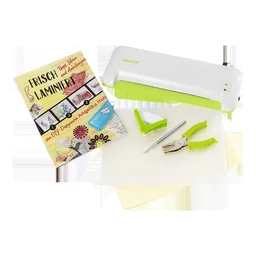
The
4-in-1 Laminator Set is also very practical. It combines the basic functions with the most important accessories. The quality of the included pouches is generally very good.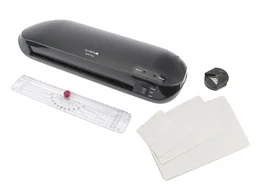
Always allow your laminator to heat up fully. The indicator light shows the operating status. Only start working once the device is ready. This prevents incomplete laminations and protects the mechanism.
Powerful devices for larger formats
If you regularly laminate posters or large documents, you need a powerful device. The
Laminator up to DIN A2, white can handle demanding formats. It features a sturdy design and maintains a consistent temperature.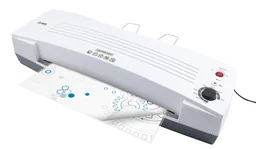
For A3 format, the
Laminator up to A3, white is an excellent choice. It heats up quickly and works reliably. Devices like this are the foundation of professional document finishing.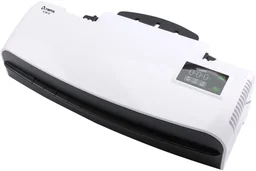
Compact all-rounders for everyday use
Compact A4 devices are ideal for a home or office desk. The
A-230 Laminator is a classic of its kind. It reliably laminates formats up to DIN A4 and is easy to use.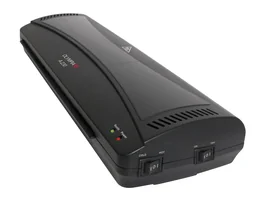
For even more flexibility, the
A 350 Combo Laminator offers even more versatility. In addition to standard laminating, it can also thermally bind documents. This makes it a true all-rounder for smaller offices.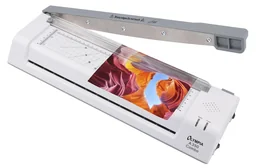
Specialist devices with added benefits
Interesting combination devices are available for special applications. The
2-in-1 Thermal Binding Laminator is one example. It lets you laminate documents as well as bind booklets or presentations. This saves space and is cost-effective.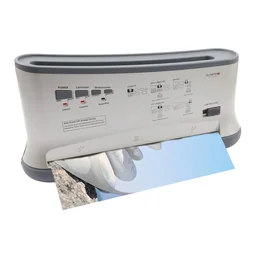
The top-rated laminators in our range compared directly:
| Model | Customer rating | Availability |
|---|---|---|
| 2-in-1 Thermal Binding Laminator | – | Currently unavailable |
| 4-in-1 Laminator Set with Ruler, Corner Rounder and Pouches | – | Currently unavailable |
| 7-in-1 Creative Laminator Set | – | Currently unavailable |
| A 350 Combo Laminator | – | Currently unavailable |
| A-230 Laminator - Up to DIN A4 | – | Currently unavailable |
Store your laminator in a cool, dry place. Protect it from dust. If you do not use it for an extended period, unplug it. This helps extend the service life of the electronics and moving parts.
How to laminate correctly: step-by-step guide
With the right technique, you can achieve perfect results. Follow our guide to avoid mistakes.
- Preparation: Switch on the machine and wait until the ready indicator lights up. Prepare your document. It should be clean and free of creases.
- Inserting it into the laminating pouch: Choose a suitable laminating pouch. Leave a small margin on all sides. The document should not lie directly against the edge of the pouch.
- Laminating: Slowly and evenly insert the sealed laminating pouch into the feed slot. The machine will draw it in automatically. Do not pull on it.
- Allowing it to cool: Remove the laminated document from the rear. Place it flat on a surface and allow it to cool completely. This allows the bond to set.
- Trimming: Once it has cooled, trim the excess edges with scissors or a cutting device. A ruler helps you make a straight cut.
Common mistakes and how to avoid them
Waves in the laminated document are often caused by a temperature that is too high or by feeding it through too quickly. Adjust the settings accordingly. Dust on the document or in the pouch can lead to unsightly inclusions. Work on a clean surface.
Bubbles indicate uneven pressure. Make sure the rollers are clean. Feed the document through evenly. If bubbles have already formed, carefully laminating it again will often help.
Care and maintenance: keep your laminator in top condition
A little care will help you enjoy your machine for a long time. The most important measures are easy to implement.
Cleaning the rollers
The rollers are the heart of the machine. Adhesive residue or paper fibres build up over time. Clean the rollers regularly with a soft, slightly damp cloth. Do not use aggressive cleaning products.
Some manufacturers offer special cleaning sheets. You feed these through the cold machine. The sheet picks up dirt particles from the rollers. This is a very gentle cleaning method.
General maintenance tips
Regularly check the power cord for damage. Always place the machine on a stable, heat-resistant surface. After switching it off, allow it to cool completely before putting it away.
If the machine makes unusual noises or the temperature fluctuates, you should stop using it. In this case, contact customer service. Repairs by unqualified users are not recommended.
Conclusion: which laminator is right for you?
Choosing the right laminator depends on your specific needs. For occasional home use, a compact A4 machine such as is a solid choice. It is affordable and easy to use.
If you laminate frequently and work with a variety of materials, a set with accessories is worthwhile. The offers maximum flexibility for creative projects. For larger formats up to A3 or A2, powerful machines such as are essential.
Combination machines with a thermal binding function are particularly practical. The is an excellent choice for small offices or ambitious home users. Remember to choose the right pouches. A laminator is only as good as its consumables.
With the information from our review and comparison, you can make an informed decision. This allows you to protect your important documents reliably and professionally for many years.
Frequently asked questions
- What is the difference between cold and hot lamination?
- Hot lamination uses heated rollers to fuse pouches with an adhesive layer. It is more durable and provides better protection. Cold lamination works without heat, using pressure instead, and is suitable for heat-sensitive materials such as photos printed with an inkjet printer. For standard documents, we recommend hot laminators.
- What pouch thickness should I choose?
- For basic protection, such as for cards or frequently handled documents, 80-100 Mikrometer is sufficient. It is better to laminate important documents or ID cards with 125-250 Mikrometer. Particularly robust pouches from 250 Mikrometer protect against wear and are ideal for children's toys or signs.
- Can I laminate photos?
- Yes, but you need to use the right technique. Hot lamination can cause certain inks to smudge. Use special photo pouches or a cold laminator. Always test it on a sample photo first. This helps you avoid unsightly bubbles or colour changes.
- How long does a laminator last?
- The service life depends on how the machine is used and maintained. Basic household machines last several years with occasional use. Professional models with metal rollers are more durable. Clean the rollers regularly and use quality pouches. This significantly extends the machine's service life.
- What should I do if the pouch develops bubbles?
- Bubbles are often caused by feeding the pouch through too quickly or by dust. Feed the document through more slowly. Clean the rollers beforehand. If bubbles have already formed in a laminated document, you can carefully pierce them with a needle and press out the air. Then briefly heat the area with an iron.