
In brief: The right memory card depends on your device and how you plan to use it. For 4K video, look for a UHS-I U3 or V30 card. High-capacity microSDXC cards are often a good fit for smartphones. USB flash drives are handy for transferring files. Here’s what to look for and how current models compare.
There are more memory cards to choose from than ever in 2026. Picking the right one can save you time and hassle. Whether you need a card for a professional camera, smartphone or everyday file transfers in the home office, we’ll help you make sense of the formats and speed ratings. Our 2026 comparison will help you find the right card for your needs.
What types of memory cards are there?
First, choose the right physical format. It needs to be compatible with your device.
SD and microSD: The go-to formats for cameras and smartphones
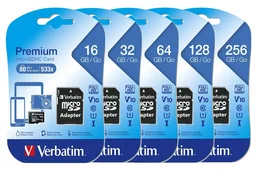
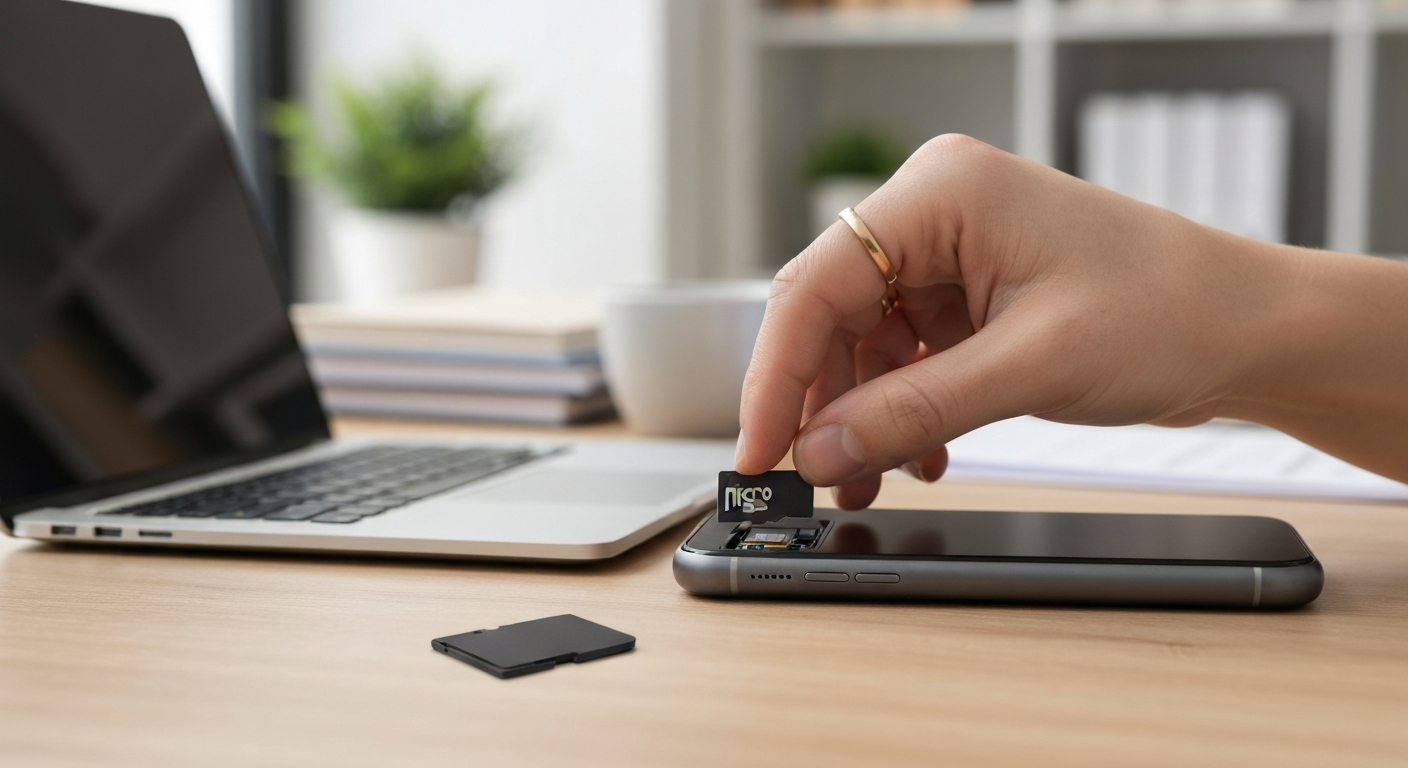
SD (Secure Digital) cards are standard in digital cameras, camcorders and many other devices. The smaller microSD format is common in smartphones, action cameras and drones. Many microSD cards come with an SD adapter, making them versatile. One current option is the , a microSDXC card with an adapter.
USB flash drives: Versatile ways to store and transfer files
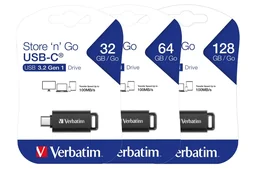
USB flash drives are useful all-rounders. Plug one into a PC, laptop or many modern smartphones with a USB-C port. They’re less suited to staying in a device long-term, but are great for transferring and backing up files. Models such as the with a retractable design are especially handy when you’re on the go.
How do I read memory card speed ratings?
Speed can matter just as much as capacity. A slow card may limit your device’s performance.
Speed Class, UHS Speed Class and Video Speed Class
The Speed Class (C2, C4, C10) indicates the minimum write speed in MB/s. C10 means at least 10 MB/s. The UHS Speed Class (U1, U3) covers higher speeds; U3 guarantees 30 MB/s. The Video Speed Class (V6 to V90) is designed for video recording. For 4K, choose V30 or higher.
Tip for burst photography
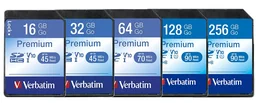
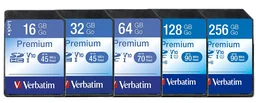
For burst shooting with a DSLR or mirrorless camera, a high write speed (U3/V30) is essential. It helps prevent pauses when the camera’s buffer fills up. A card such as the (SDXC Premium) is a good choice.
How much storage capacity do I need?
A bigger card isn’t always better. The right capacity depends on how you’ll use it.
16GB to 128GB: A good range for everyday use
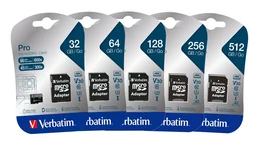
For many everyday tasks, 16GB to 128GB is plenty. A 16GB card such as the can still work well for basic documents or as boot media. For many people, 128GB is the sweet spot: enough room for thousands of photos, hours of Full HD video or a large music library. The (microSDXC, U3, UHS-I) is one example in this range.
Important: Check compatibility
Older devices may not support SDXC cards (64GB and up). Check your device manufacturer’s specifications before buying a high-capacity card. If a card isn’t supported, your device may not recognize it or may only format it up to the maximum capacity it supports.
What should I look for when buying a memory card?
There are a few other important factors to consider besides format and speed.
Durability and data protection
Some cards are water-, shock-, temperature- or even X-ray-resistant. These features can be especially useful when traveling or using a card in demanding conditions. Consider whether you need them.
Choose a card for how you’ll use it
Recording 4K video with an action camera calls for a different card than adding storage to a budget smartphone. Before you buy, consider which device you’ll use and what you’ll use the card for.
USB Flash Drives Compared: What Do Current Models Offer?
USB flash drives have come a long way. The connector is a key factor when choosing one.
USB-A vs. USB-C: The connector makes the difference
Traditional USB-A flash drives fit most PCs and laptops. USB-C flash drives such as the work well with modern laptops, tablets and smartphones that have a USB-C port. Some drives even include both connectors.
Speed and design
USB 3.2 GEN1 (formerly USB 3.0) is now standard and offers fast transfer speeds. Consider the design, too: a retractable housing protects the connector, but may be less durable than a model with a fixed cap.
How long do memory cards last?
Memory cards and USB flash drives have a limited number of write cycles. They aren’t designed for frequent, intensive writing, such as use as a system drive. Use them mainly for storage and file transfers.
Conclusion: How to Choose the Right Memory Card
There is no single best memory card for everyone. The right choice depends on your needs.
First, ask yourself: Which device will you use it with? This determines the type of card or drive you need (SD, microSD or USB). Then check the supported standards (SDHC/SDXC, USB version) in your device’s specifications. Next, consider the speed you need: U1/V10 works well for Full HD video, while 4K recording requires U3/V30. Finally, choose a capacity that suits how you’ll use it and your budget. Browse our wide selection in the memory cards category.
With this information, you can use our comparison to find a model that meets your needs. Technology continues to evolve, but the basic principles remain the same.
Here are the highest-rated memory cards in our range, compared side by side:
| Model | Customer rating | Availability |
|---|---|---|
| 128 GB USB 3.2 GEN1 flash drive, V3 Store n Go, grey | – | Currently unavailable |
| 128 GB USB-C 3.2 flash drive, retractable | – | Currently unavailable |
| 128 GB microSDXC memory card with SD card adapter, Class10 | – | Currently unavailable |
| 128GB SDXC Premium memory card | – | Currently unavailable |
| 128GB microSDXC memory card with SD card adapter, U3, UHS-I | – | Currently unavailable |
Discover more products related to this topic in our technology department.
Frequently Asked Questions
- What’s the difference between SDHC and SDXC memory cards?
- SDHC (High Capacity) cards offer capacities from 4GB to 32GB and use the FAT32 file system. SDXC (Extended Capacity) cards start at 64GB and go up to 2TB. They use exFAT and offer much more storage for high-resolution photos and videos.
- What speed class do I need to record 4K video?
- For reliable 4K video recording, you need at least UHS Speed Class U3 or Video Speed Class V30. Both guarantee a constant minimum write speed of 30 MB/s, so your memory card can keep up with the large amounts of data generated by 4K video.
- Can I use a microSD card in a regular SD card slot with an adapter?
- Yes. Many microSD cards come with a compatible SD adapter, such as PRODUCT_136077 or PRODUCT_136281. The adapter lets you use the microSD card in an SD card slot. Check that the card’s speed specifications meet your device’s requirements.
- Are USB 3.2 flash drives backward compatible with older USB ports?
- Yes. USB 3.2 flash drives such as PRODUCT_135617 work with USB 3.0, USB 2.0 and USB 1.1 ports. They’ll work at the lower maximum speed supported by the port.
- How long does data last on a memory card?
- Under ideal conditions, data stored on flash memory can last around 10 years. However, memory cards aren’t the best choice for long-term archiving. Back up important files regularly to other storage, such as an external hard drive or cloud storage.